Tool tracking construction crews can actually stick to
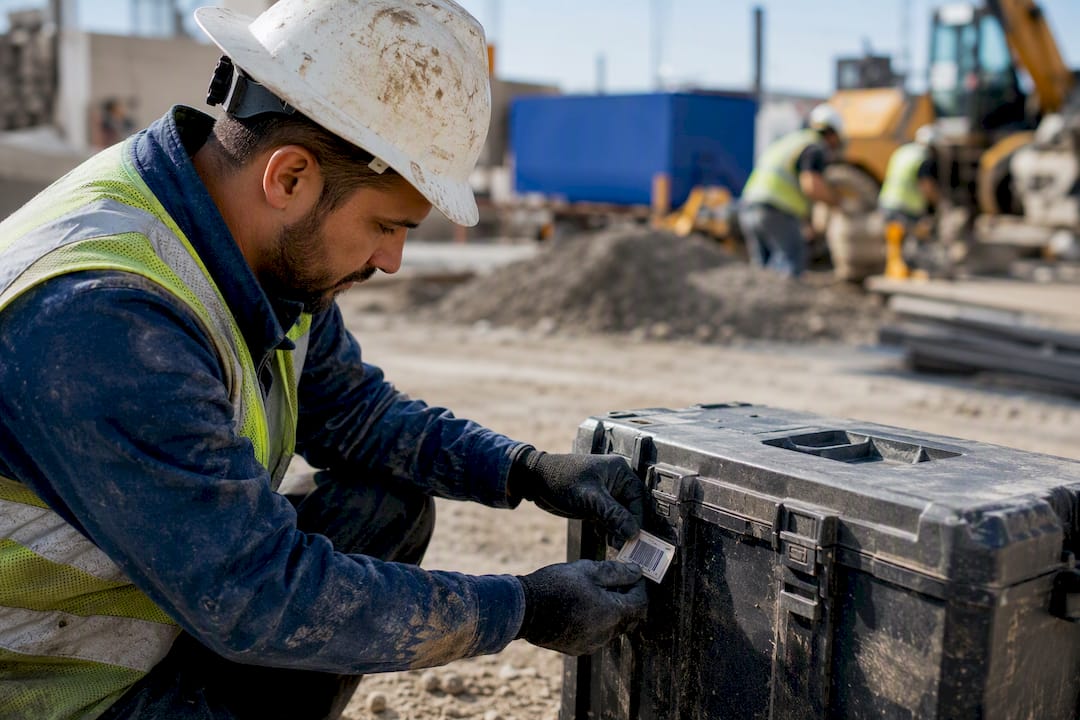
The best approach mixes methods to fit the tool. Assign every hand tool and power tool to a crew member through a digital check-out system, tag high-turnover items with cheap QR labels, and reserve Bluetooth or GPS trackers for the handful of assets worth real money, like generators, compactors, or survey gear.
This works because accountability, not hardware, drives most recoveries. A crew member who signs their name to a drill returns it. A grinder sitting anonymously in a site container does not. Hardware trackers earn their cost only on gear expensive enough to justify the tag price and the battery upkeep.
Your next move: run a one-week pilot on a single crew or truck before rolling anything out further.
- Pick one crew, ute, or site container.
- Log every tool with a name against it, using a phone and a spreadsheet or app.
- Track how many items go missing or turn up unlabelled by the end of the week.
Pro Tip: Run your pilot on the crew with the worst tool losses, not the best. That’s where you’ll see the fastest, most convincing results.
Dirt Champ already supports this exact mixed approach, pairing tool and asset assignment with GPS tracking for vehicles and equipment, so a pilot can plug straight into a platform built for truck and civil operations rather than a standalone app you’ll outgrow.
Key Takeaways
Tool tracking construction crews trust combines accountability through digital check-outs with QR tagging for volume and GPS or BLE tracking reserved for high-value assets.
| Point | Details |
|---|---|
| Match method to tool value | Use check-out and QR for hand and power tools; reserve GPS and BLE for expensive site assets. |
| Accountability drives recovery | A named custody record recovers more tools than any hardware tracker on its own. |
| Pilot before scaling | Test on one crew or truck for a week before rolling tracking out site-wide. |
| Track three ROI numbers | Measure replacement spend, recovery rate, and hours saved searching for tools. |
| Dirt Champ integrates tracking with field records | Dirt Champ pairs tool and asset check-outs with GPS tracking and real-time site visibility for truck and civil crews. |
Table of Contents
- What are the main types of tool tracking systems?
- Which tracking method suits which tools?
- How do you roll out a tool tracking system on site?
- What hardware and software actually hold up on-site?
- What does tool tracking cost, and how fast does it pay off?
- What rules turn tracking technology into fewer losses?
- How does Dirt Champ fit into a tool tracking system?
- What most site managers get wrong about tool tracking
- Dirtchamp gives truck and civil crews one place to run tool tracking
- Sources
What are the main types of tool tracking systems?
Four functional categories cover almost every tool tracking construction teams use today, and each answers a different question.
Check-out or assignment systems answer “who has it right now.” A worker signs a tool out against their name, and the record shows custody until it’s returned. Smarter Tracks builds this around a mobile-first profile for each tool, complete with photos, serial numbers, and a full custody history that a supervisor can pull up from any phone during an audit.
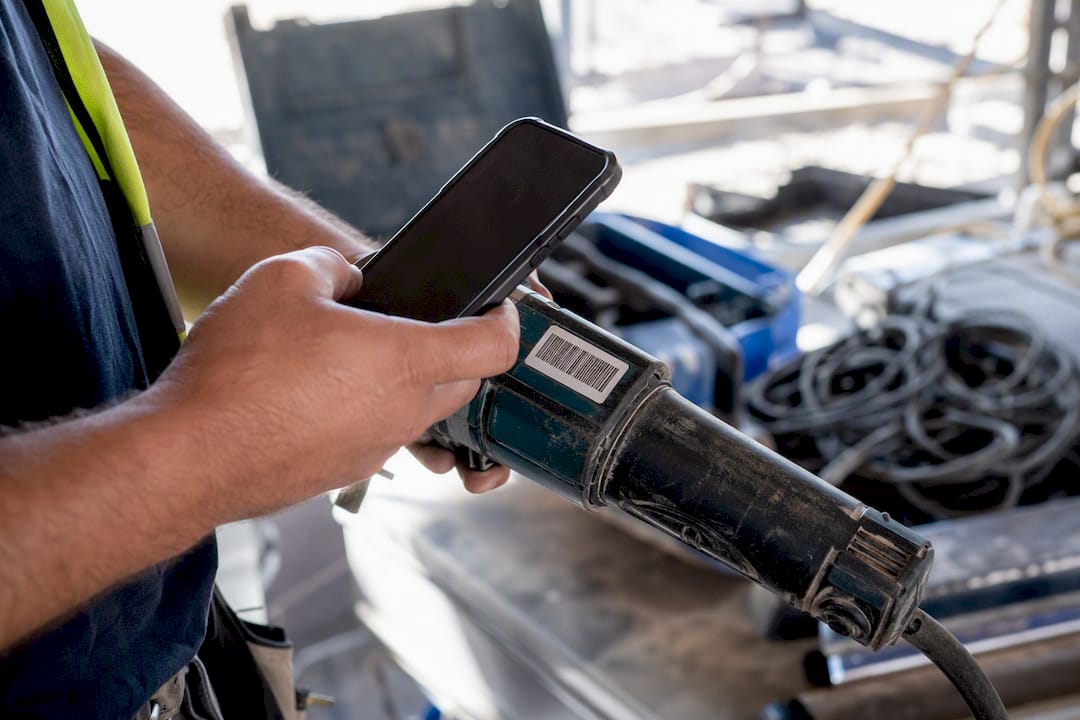
Barcode and QR inventories answer “what do we own, and what’s its condition.” A label links the physical item to a digital record covering purchase date, replacement cost, and maintenance notes. TapNota and similar systems run this without any specialised scanner, since a phone camera reads the code.
Bluetooth and RFID beacons answer “is it nearby.” These work well for gang boxes and site containers, pinging presence within a short range rather than tracking exact location.
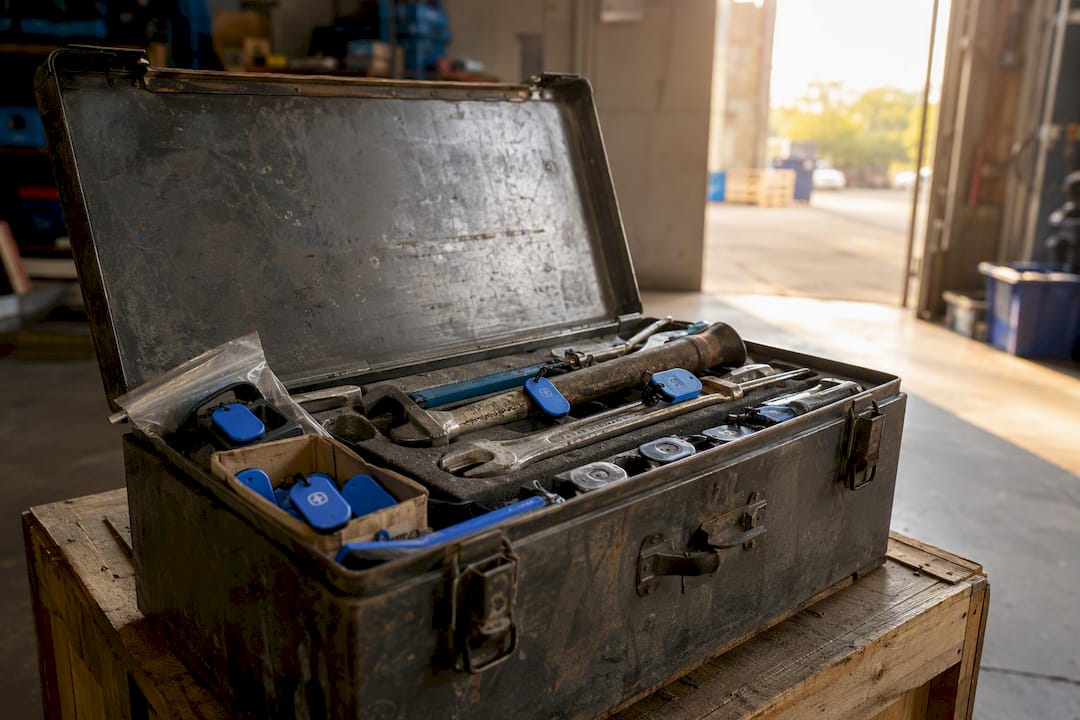
GPS and cellular trackers answer “where is it right now, anywhere.” This is live location, useful for assets that leave the site or go missing for days.
Each has real constraints:
- QR labels cost cents but rely on someone actually scanning them.
- BLE tags need battery replacement every few months and only report presence, not distance.
- GPS units cost the most per unit and need cellular coverage to phone home.
- Rugged tags survive concrete dust and rain; cheap adhesive labels peel off within weeks on-site.
Which tracking method suits which tools?
Matching the tool to the tracking method matters more than picking a single “best” technology. Here’s how to segment a typical inventory:
- Consumables (blades, bits, fasteners) don’t need individual tracking at all. Track by stock count and reorder point, not by serial number.
- Common hand tools (hammers, levels, tape measures) suit check-out assignment or basic QR tagging. The item is cheap enough that a lost one is a minor cost, but volume makes manual tracking impractical without a simple label system.
- Power tools (drills, grinders, saws) justify QR tagging tied to a custody record every time. Replacement cost is high enough that knowing who last had it matters, and QR keeps the per-item cost low across dozens of units.
- Site assets (generators, compactors, survey equipment, trailers) justify BLE or GPS tracking. These items are expensive, often left unattended overnight, and worth the ongoing battery and subscription cost.
The trade-off is straightforward: QR tagging costs almost nothing per item but relies on someone scanning consistently, while GPS tracking costs more and needs setup, but recovers assets that would otherwise represent a total loss. Low-cost QR-based assignment tracking generally makes more economic sense across a large hand-tool fleet, reserving GPS and BLE for the assets where a single loss actually hurts the budget.
How do you roll out a tool tracking system on site?
A pilot that runs for one week beats a company-wide rollout planned for three months and never finished. Follow this sequence:
- Plan the pilot. Pick one crew or one truck. Define success as a number, like “zero unlabelled tools by Friday” or “under two missing items for the week.”
- Do the inventory. Walk the toolbox or container and record serial number, a photo, and replacement cost for every item worth tracking. Skip consumables.
- Tag and set up workflows. Apply QR labels to hand and power tools; fit BLE or GPS tags to the handful of high-value assets identified. Keep check-out fields minimal: who, what, when, expected return.
- Train the crew. A fifteen-minute walkthrough covering how to scan a check-out and check-in is usually enough. Run daily audits during the pilot week, then shift to weekly once the habit sticks. Any tool missing for more than 48 hours should trigger a supervisor follow-up.
- Scale it. Clean up the pilot data, set role permissions so supervisors see everything and workers see only their own check-outs, then extend to the next crew or truck.
Several vendor case examples report crews going live on basic assignment and QR tracking the same day a pilot starts, with audits running in minutes once the habit is set. Standard implementation guidance recommends this same sequence: inventory first, then software choice, then training, then a regular review cadence rather than a one-off setup.
Pro Tip: Don’t wait for a perfect inventory before starting the pilot. Tag the twenty tools most likely to go missing first, and add the rest once the habit is proven.
What hardware and software actually hold up on-site?
Buying the wrong tag is a common, avoidable mistake. Look for labels rated for outdoor exposure, since standard adhesive stock lifts within weeks under concrete dust, rain, and UV. An IP65 or higher rating on any BLE or GPS unit is worth checking before you commit to a batch order.
Battery life varies enormously between BLE tags and GPS units, and running out mid-project defeats the entire system. Budget for a replacement schedule rather than assuming “set and forget.”
- Rugged QR labels or engraved plates survive site conditions far better than paper stickers.
- BLE tags typically need a battery swap every few months; GPS units vary depending on ping frequency.
- Phone-based scanning is cheaper to deploy than dedicated readers but needs an offline mode for sites with patchy signal.
- AirTag-style tracking lowers the per-unit cost of live location but depends on nearby devices to relay a position, which works well on busy, device-dense sites and less reliably in a remote yard.
Whatever you choose, check it integrates with your existing rostering, project records, and maintenance logs rather than running as a disconnected app nobody checks.
What does tool tracking cost, and how fast does it pay off?
Budget in ranges rather than a single number, since pricing shifts with volume and features. QR-based labelling typically runs from a few cents to a couple of dollars per tag, plus whatever software subscription you’re already paying for project management. BLE tags generally sit in the tens of dollars per unit, plus a monthly platform fee. GPS trackers cost more upfront and usually carry a per-unit monthly subscription for cellular data.
Time-to-value follows a predictable pattern. Week one of a pilot shows you which tools go missing and how often. Month one usually shows a visible drop in replacement purchases once check-out accountability kicks in. By the end of the first quarter, most crews can point to a measurable reduction in both replacement spend and hours lost searching for tools that turn out to be in another crew’s truck.
Track three numbers to justify the investment: replacement spend before and after, recovery rate on tagged items, and hours saved per week not spent hunting for gear. Accountability, more than the tracking technology itself, is what drives most of that recovery rate.
What rules turn tracking technology into fewer losses?
Software alone doesn’t stop tools disappearing. The rules around it do.
- Every check-out needs a minimum set of fields: who, what tool, date, and expected return. Nothing more, or crews will skip it.
- Supervisors should run a short audit daily during rollout, then weekly once the system beds in.
- Escalate anything missing past 48 hours to a direct conversation, not an automated email nobody reads.
- Build in a small incentive for a clean audit streak. A returned-tools bonus or simple recognition works better than a penalty for a missing item.
A visible custody log changes behaviour more than most site managers expect. Once a worker knows their name sits against a tool until it’s checked back in, casual borrowing between crews drops sharply, because nobody wants to be the name attached to a missing grinder.
Pro Tip: Post the weekly audit result where the crew can see it. Visibility does more to change behaviour than any written policy.
How does Dirt Champ fit into a tool tracking system?
Dirt Champ was built for truck and civil operations, which means tool tracking sits alongside the records you’re already keeping, not in a separate app.
- Tool and asset check-outs link directly to the crew and truck already logged in your pre-starts and dockets.
- GPS tracking for vehicles and equipment runs through the OBD port, so live location doesn’t need a separate hardware install.
- Real-time visibility means the office sees who has what and where, which speeds up billing and compliance reporting instead of leaving it to a Friday paper chase.
- Audits that would take an afternoon with a spreadsheet take minutes from a phone.
Accountability only works if the record is easy enough to check in the field. A system that sits in the office doesn’t stop a tool walking off a truck.
For a business already running trucks and machinery through Dirt Champ, adding tool and asset tracking is an extension of infrastructure already in place, not a new system to learn from scratch.
What most site managers get wrong about tool tracking
Most advice on this topic leads with the hardware: which tag, which app, which sensor. That’s backwards. The pilots that work start with a name against every tool, not a device against every tool.
I’d argue the industry’s obsession with GPS everything is largely wasted spend. A $200 tracker on a $150 spirit level makes no sense, yet plenty of contractors buy the flashiest system and tag the whole toolbox with it. The maths only works when you segment first and technology second.
What the reader should prioritise is uncomfortably simple: get every crew member signing for what they take, on day one, before spending a dollar on hardware. The custody habit is what changes behaviour. Once that’s running, adding QR labels and a handful of GPS units to the genuinely expensive gear is a natural next step, not a separate project.
Start smaller than feels necessary. A one-week pilot on a single truck tells you more than a six-month vendor evaluation ever will.
— Mike
Dirtchamp gives truck and civil crews one place to run tool tracking
Dirtchamp is the practical alternative to running a separate tool tracking app alongside your existing site software, because it puts assignment, GPS tracking, and your pre-starts and dockets in one platform instead of three.
If you’ve read this far, you already know the mixed approach works: check-outs for accountability, QR for volume, GPS for the gear that actually costs something to replace. Dirtchamp supports all three without asking you to bolt on a separate tracking subscription or install complicated hardware, since GPS tracking runs through the OBD port already fitted to your trucks and machinery. It suits supervisors who want real-time visibility without chasing paper, and admin teams who need clean records for billing and compliance without re-entering data twice.
If your pilot week showed you where tools are going missing, the next step is straightforward: book a look at Dirt Champ and see how tool tracking fits alongside the truck and site records you’re already keeping.
Sources
- Smarter Tracks | Tool Tracking Software for HVAC & Construction
- Construction Tool Tracking Software | GPS & Bluetooth Tool Management | Airpinpoint
- Construction Tool Tracking System - TapNota