Midweek Chase Fixes Mobile Timesheet Approval Workflow for Supervisors

A timesheet approval workflow is the checkpoint where a manager checks, corrects, and locks employee hours before they reach payroll. Your first move this week: pick a submission deadline and name an approver, plus a backup for when they’re on leave. Get that structure in place, and automated reminders plus a clear audit trail will cut disputes and get payroll paid on time, every cycle.
TL;DR:
- Approval deadlines should be set a few business days before payroll to allow sufficient review and correction time.
- Approvers and backups must be clearly assigned, never approving their own timesheets or leaving escalation responsibilities unfilled.
- Implementing automated reminders, predefined rejection reasons, and mobile submission options significantly reduce delays and errors.
- Critical entries like overtime beyond rostered hours and project-specific hours require escalation to prevent unauthorized approvals.
- Running a dry test cycle before going live helps confirm payroll export accuracy and prevents mid-cycle issues.
Table of Contents
- What are the stages of a timesheet approval workflow?
- How do you set up and run the approval workflow this pay cycle?
- Who approves what, and how do exceptions get routed?
- Which tools actually cut approval time?
- What practices actually reduce payroll errors?
- What should you check for during every review?
- How do you get this operating within one pay cycle?
- What changes when the workflow actually works?
- Get audit-ready approvals without the paper chase
- Sources
What are the stages of a timesheet approval workflow?
Every functional workflow runs through the same five stages: an employee submits hours, a manager reviews them, entries get rejected or edited where needed, a manager gives final approval, and the record exports to payroll. This is the standard approval flow most payroll teams rely on, and skipping a stage is usually where things go wrong.
Status labels matter more than most managers realise. A timesheet sitting as “open” hasn’t been touched. “Waiting” means it’s with the approver. “Approved” should mean locked, not just ticked off. “Rejected” needs to bounce back with a reason attached, not a vague email. Locking approved records stops retroactive edits that create reconciliation headaches for finance down the track.
Timelines drive everything else here:
- Submission usually closes a couple of business days before payroll processing begins.
- Review and correction cycles need at least one full business day of buffer.
- Export to payroll should only happen once every record shows “approved.”
How do you set up and run the approval workflow this pay cycle?
Getting this running doesn’t need a system overhaul. It needs a sequence, followed properly, cycle after cycle.
- Set the pay period and submission deadline. A good rule of thumb is closing submissions a few business days before payroll runs, giving you a buffer for corrections.
- Assign approvers and backups. Every team needs a named approver and a backup for leave or sick days. Never let someone approve their own timesheet.
- Build predefined rejection reasons. Short, specific categories like “break not included” or “wrong project code” let workers self-correct without an email chain.
- Turn on automated reminders. An “outstanding” list mid-cycle catches stragglers before they become a payroll-day scramble.
- Lock approved records before export. Only approved, locked timesheets should ever reach payroll.
Pro Tip: Run a dry cycle before you go live. Simulate the full approval sequence one pay period early, confirm your payroll export fields match, and you’ll catch the errors that would otherwise show up mid pay run.
Predefined rejection categories work because they remove ambiguity. Instead of a manager typing out an explanation, the worker gets an instant, specific instruction on exactly what to fix.
Who approves what, and how do exceptions get routed?
Three roles usually touch a timesheet before it hits payroll: the direct manager checking day-to-day accuracy, the project approver confirming hours against a job or cost code, and payroll or finance handling the final export. Keeping these separate stops a single person carrying the whole compliance load.
Certain entries need escalation rather than a quick tick:
- Overtime beyond rostered hours should go to a manager, not an automatic approval.
- Split shifts and holiday work often need a second set of eyes for award compliance.
- Backup approvers should have the same permissions as the primary, not a watered down version.
- Project-allocated time can use parallel approvals, where a manager and a project lead each sign off on their portion without waiting on the other.
Most reviewer setups use a single named approver per timesheet with email notifications firing the moment hours are submitted. Approved records can still be reopened later if a genuine error surfaces, but that should be the exception, not routine practice.
Which tools actually cut approval time?
The features that matter aren’t flashy. They’re the ones that remove friction from a repetitive task. A workable system needs automated reminders, predefined rejection reasons, a full approval history, payroll-ready export, and mobile submission that works from a truck cab or a site office, not just a desktop.
Mobile matters more than most managers give it credit for; field workers who use a dedicated tidsregistrering app & system til håndværkere og teknikere tend to submit time on the spot, reducing errors and delays. Field workers who submit time through the same app they use for daily tasks tend to submit on time and make fewer errors, because they’re logging hours where the work happens instead of reconstructing a week from memory back at the office.
Mature systems typically include:
- A complete approval history and audit trail so every edit is traceable.
- Structured payroll exports that map straight to payroll fields without manual reformatting.
- GPS-linked records that confirm where and when work actually happened.
Dirt Champ was designed to support industries requiring integrated mobile timesheets, pre-starts, dockets, and GPS tracking through vehicle OBD ports, enabling supervisors to access real-time visibility on hours and location without relying on paper. Approval history, compliance records, and time tracking can be managed together rather than across separate tools.
What practices actually reduce payroll errors?
Deadlines only work if you enforce them. Set a submission cut-off aligned to your payroll calendar, and don’t let exceptions become the norm, because one late timesheet creates pressure to rush the review on everyone else’s.
- Require approvers to check breaks, leave, and overtime against rostered shifts, not just the total hours logged.
- Run a mid-week chase list rather than waiting until the deadline to discover who hasn’t submitted.
- Keep rejection reasons short and specific so corrections happen in minutes, not another back and forth.
- Review award and break entitlements as part of the standard check, not an occasional audit.
Pro Tip: Mid-week chase lists work because they turn a payroll-day emergency into a Tuesday afternoon fix. A proactive nudge two days out beats a frantic phone call the morning payroll runs.
What should you check for during every review?
A fast, consistent review comes down to knowing what to look for before you start scrolling through hours.
- Missed punches, especially at the start or end of a shift.
- Break entries that are missing, too short, or don’t match award requirements.
- Duplicate rows from a worker submitting twice by mistake.
- Wrong project or cost codes, which throw off billing as much as payroll.
- Overtime that wasn’t pre-approved, or leave that was taken but never recorded.
Late submissions need a clear rule, not a case-by-case decision. Decide upfront whether a late timesheet gets processed in the next cycle or whether you’ll reopen a closed period, and apply that rule consistently so workers know what to expect.
How do you get this operating within one pay cycle?
You don’t need weeks to get a working approval process live. One pay cycle is enough if you follow the sequence in order.
- Decide your pay period and submission deadline, and communicate both clearly to the team.
- Assign approvers and backups, confirming nobody can approve their own hours.
- Configure automated reminders and build your list of rejection reasons.
- Run a dry test cycle to confirm the payroll export fields line up correctly.
- Train approvers on a short review checklist covering breaks, overtime, and project codes before going live.
What changes when the workflow actually works?
Supervisors who move from paper or spreadsheets to a structured workflow usually notice the payroll-day panic disappear first. Fewer disputes come up because rejection reasons are specific and the approval history is there if anyone asks a question about a particular week.
The habit that made the biggest difference wasn’t a feature. It was simply checking outstanding timesheets on a Wednesday instead of waiting for the deadline to reveal the gaps. That one change turns payroll day from a scramble into a formality, and it costs nothing to start doing tomorrow.
— Mike
Get audit-ready approvals without the paper chase
Certain software solutions support operators who need mobile timesheets, workflow automation, and GPS tracking working together instead of as separate systems. Such platforms provide supervisors with real-time visibility on hours, location, and compliance records without the back-and-forth chasing that paper timesheets create.
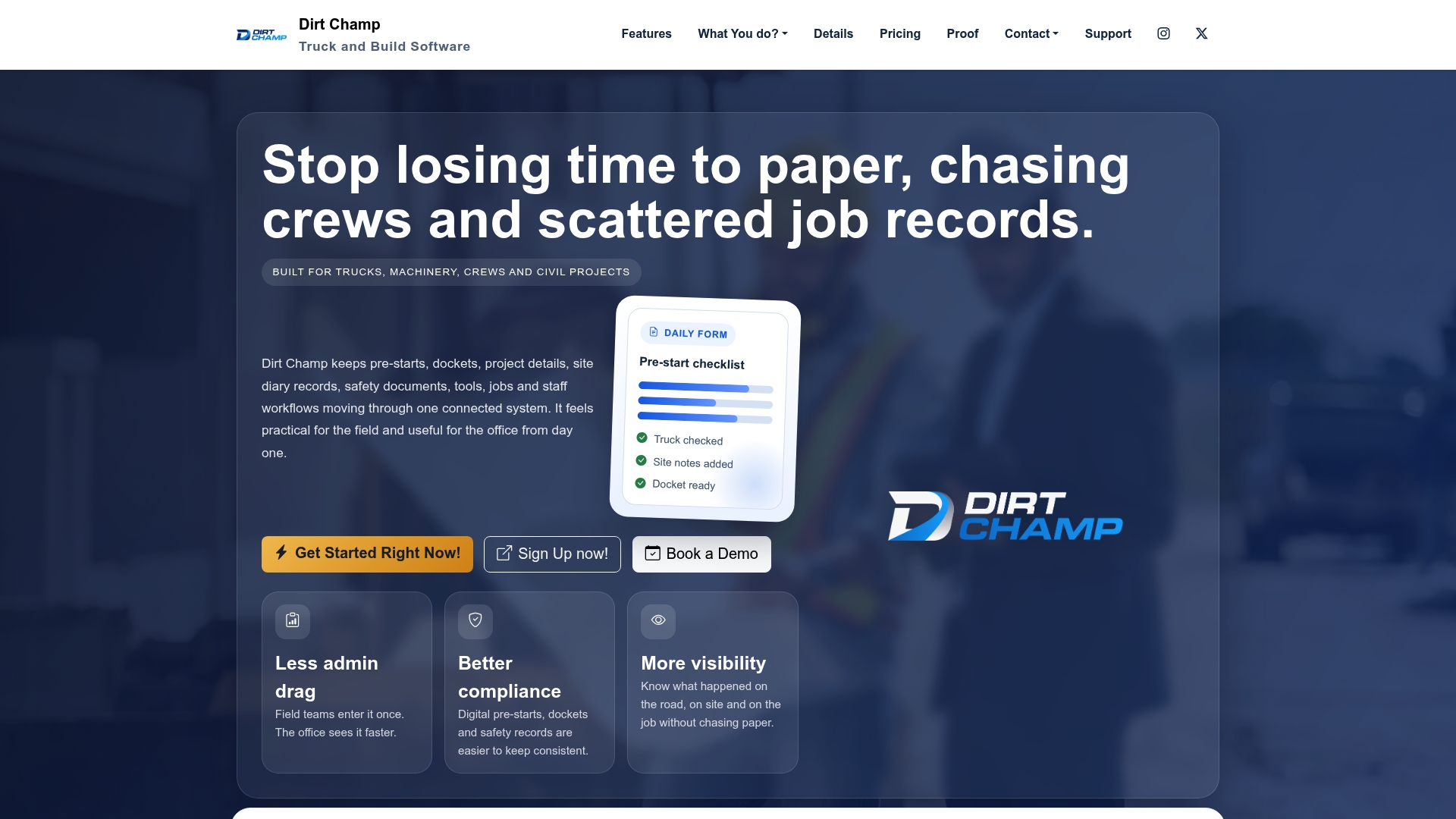
For a truck or civil business running multiple crews across sites, the value isn’t just digital timesheets. It’s having pre-starts, dockets, GPS data, and approval history sitting in one platform, so nothing needs re-entering by hand before it reaches payroll. That means fewer errors reaching the pay run and a complete record if a dispute ever comes up.
If your current process still relies on paper dockets or someone manually chasing hours before every pay run, it’s worth seeing how this fits your operation. Visit the Dirt Champ product page to see the full feature set, or request a demo to walk through how the approval workflow would run for your team specifically.