Digital site induction: the modern way to onboard site workers
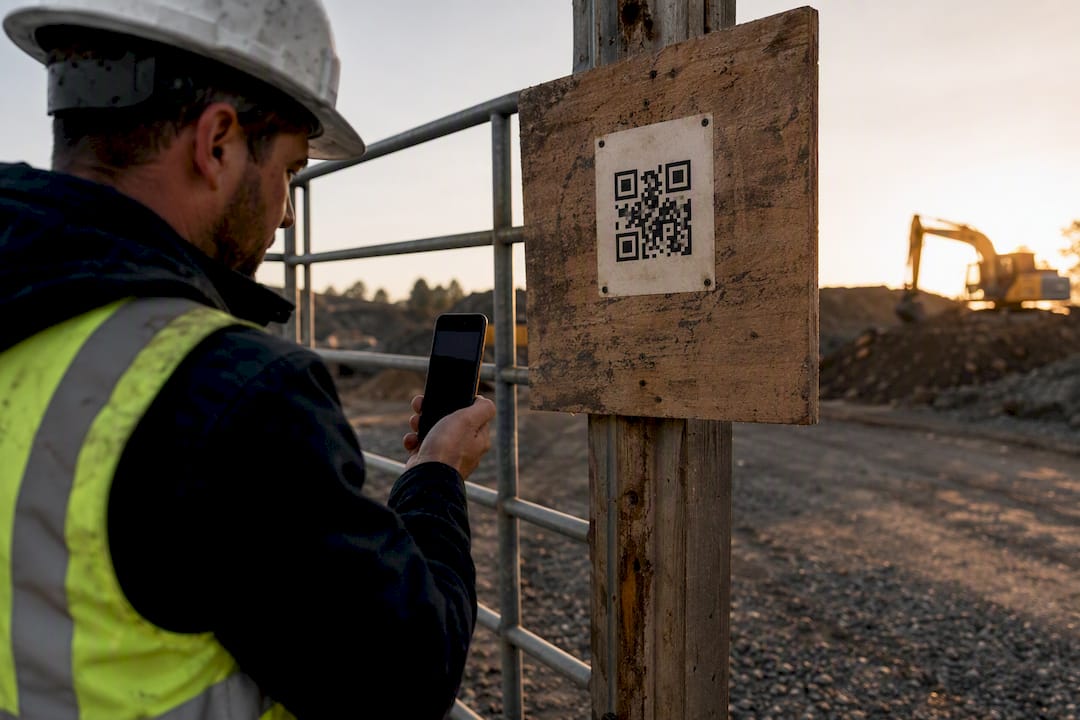
A digital site induction is a cloud-based workflow that lets you build site-specific induction content, send it to workers before they arrive, and record every completion as auditable proof of compliance. Instead of a supervisor reading out the same safety briefing at the gate every morning, workers complete modules on their phone, and you get a timestamped record that stands up to a WorkSafe audit.
If your site is dealing with queues at the gatehouse, inconsistent paperwork, or trouble proving who was inducted and when, moving to a digital process solves all three. It doesn’t replace the general construction induction (White Card) or your obligations under WorkSafe Victoria guidance. It just makes those obligations far easier to meet and prove.
Here’s what a digital induction platform typically replaces:
- Paper sign-in sheets and photocopied SWMS documents
- Verbal safety briefings repeated for every new arrival
- Filing cabinets of licence copies with no expiry tracking
- Manual spreadsheets trying to track who’s actually compliant
Tools like Dirt Champ build this into a broader operations platform, so induction records sit alongside rostering, timesheets, and compliance documents rather than in a separate silo.
Key Takeaways
Digital site induction works because it shifts identity checks and paperwork into a cloud workflow, freeing supervisors to spend their time on active hazard checks and on-site verification instead of repetitive admin.
| Point | Details |
|---|---|
| Pre-arrival completion cuts delays | Workers finish modules before arriving, turning the gate into a quick scan-and-go check. |
| Compliance needs specific proof | A compliant induction must verify White Card, high-risk licences, SWMS, and emergency procedures. |
| Digital doesn’t replace verification | Pair pre-arrival completion with an on-site handshake or toolbox talk to confirm understanding. |
| Track completion and expiry metrics | Monitor completion rates, first-attempt pass rates, and expiring certificates daily. |
| Dirt Champ links induction to operations | Worker profiles, licence capture, and completion logs sit alongside rostering and timesheets in one platform. |
Table of Contents
- What does digital site induction software actually do?
- Why are teams moving from paper to digital inductions?
- How does the digital induction process work step by step?
- What must a compliant site induction cover?
- How do you roll out a digital site induction without disruption?
- Which metrics should you track from induction software?
- What should you ask before choosing an induction platform?
- How Dirt Champ handles induction, compliance, and the rest of your paperwork
- Frequently asked questions
- Sources
What does digital site induction software actually do?
The core job is simple: create induction content once, deliver it to every worker who needs it, and keep a record you can pull up in seconds. Everything else is built around that.
On the content side, you’re typically working with:
- A module builder for text, video, and images specific to your site’s hazards and layout
- Knowledge checks with pass/fail gating, so a worker can’t skip past critical safety information
- Worker profiles that store identity documents, White Card details, and high-risk licences
- QR code and web-link delivery, so no app download is required to get started
- Mobile-first design, because most inductions happen on a phone, not a desktop
On the back-office side, a good platform gives you:
- Real-time dashboards showing who’s completed what and when
- Automatic expiry reminders for licences and certificates before they lapse
- Exportable audit reports formatted for client or regulator review
Look for integration with rostering, timesheets, and asset logs. A contractor induction app that talks to your existing rostering system means a worker’s induction status is visible the moment they’re allocated to a shift, not discovered as a problem at the gate.
Why are teams moving from paper to digital inductions?
The time saved is the first thing most site managers notice. When workers complete an online site induction before they arrive, the gate becomes a quick scan-and-go rather than a bottleneck. A crew of twelve doesn’t need to stand around while one supervisor reads through a safety briefing they’ve already heard on three other sites this month.
Compliance gets easier too. Every completion carries a timestamp, every module has a pass mark, and every certificate has an expiry date tracked automatically. That’s the difference between “we think everyone was inducted” and having an exportable log that proves it.
The flow-on benefits matter as much as the headline ones:
- Standardised information means every worker gets the same site-specific detail, not whatever the supervisor remembers to mention
- Fewer transcription errors, because names and licence numbers are entered once by the worker, not copied by hand
- Faster contractor onboarding when subcontractors bring their own crews onto a new site
Pro Tip: Use cloud worker profiles to store identity and licence data once. Keep each new induction focused on the hazards specific to that site rather than re-verifying who someone is every single time. Repeating identity checks on every visit is what causes redundancy fatigue, and it’s the fastest way to get workers clicking through content without actually reading it.
How does the digital induction process work step by step?
Most digital induction workflows follow the same basic sequence, whether you’re running a single site or a portfolio of projects.
- Build the module. You create site-specific content covering hazards, emergency procedures, and any current works that affect access or safety.
- Distribute the link or QR code. This goes out by email, SMS, or a physical sign at the site entrance, so workers can start before they’re anywhere near the gate.
- The worker completes it pre-arrival. They work through the content and pass the knowledge check on their own device, in their own time.
- Completion is recorded automatically. The system timestamps the result and flags it against that worker’s profile.
- On-site verification happens at arrival. A supervisor confirms the digital record, checks PPE, and runs a toolbox talk if the day’s tasks call for it.
Steps one and four are where automation earns its keep, generating reminders and reports without anyone chasing paperwork. Step five is where a human still has to show up.
Digital completion should inform site supervision, not replace it. A passed knowledge check tells you a worker read the material. It doesn’t tell you they understood the crane exclusion zone that changed yesterday afternoon.
That’s why the best rollouts pair pre-arrival digital induction with a short on-site check, not one instead of the other.
What must a compliant site induction cover?
WorkSafe-style guidance sets a fairly consistent bar for what a construction induction needs to include, and it’s worth treating as your baseline checklist regardless of which state you’re operating in. A compliant construction induction needs to verify:
- General construction induction training (White Card) for every worker
- Relevant high-risk work licences for tasks like scaffolding, dogging, or operating cranes
- Site-specific hazards and any current works affecting access
- Emergency procedures, muster points, and first-aid locations
- PPE requirements for the site and specific work zones
- SWMS review for any high-risk construction work being undertaken
- A clear sign-in and sign-out process, plus how to report an incident
One detail regulators are explicit about: the employer with management and control of the site is responsible for providing sufficient induction information, and translation should be used where English isn’t clearly understood. If your workforce includes crews who speak English as a second language, multilingual content isn’t optional extra polish. It’s part of doing the induction properly.
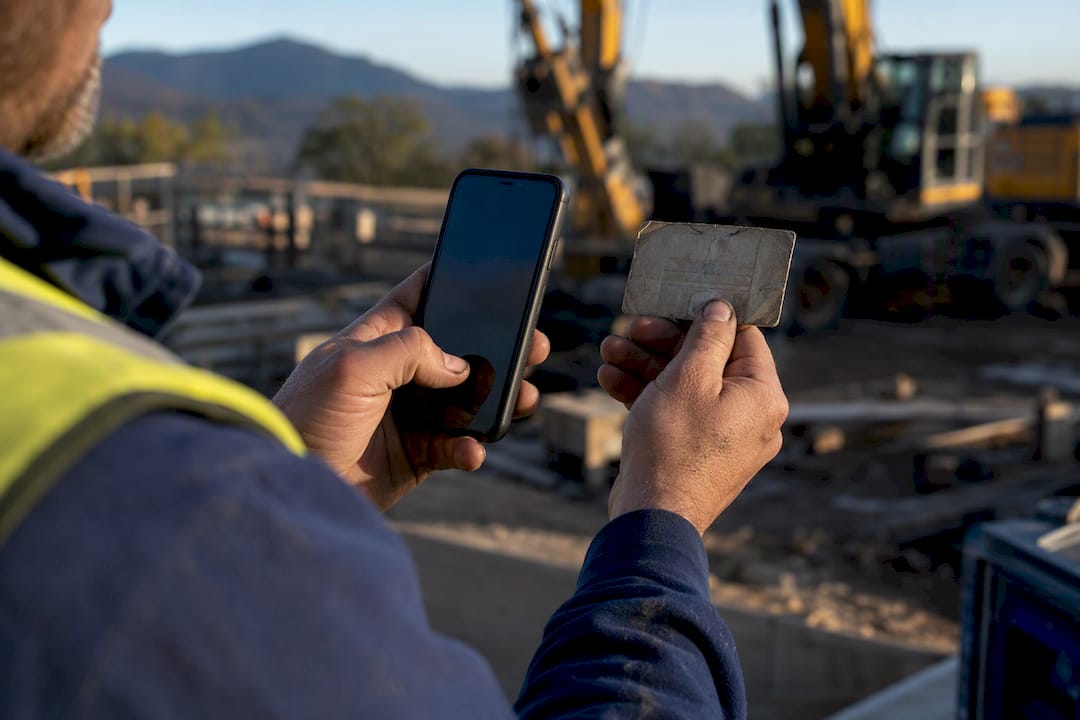
Digitally, you evidence each item through scanned or photographed licences attached to a worker’s profile, a passed knowledge check against each hazard module, a timestamped confirmation of completion, and an exportable attendance log you can hand to an auditor or client without notice.
How do you roll out a digital site induction without disruption?
The teams that get this right don’t flip every project over at once. They pilot with a single project or trade, watch completion rates and gate delays for a couple of weeks, and only then scale to the rest of the business.
A few things make the rollout smoother:
- Set up role-based pathways, so a site induction app offers a short version for a one-day delivery driver and a full version for a long-term trade crew
- Send pre-arrival communication, an SMS or email with the QR code or link and clear instructions on what to expect
- Back it up with on-site signage at the entrance for anyone who arrives without having completed it in advance
- Track which trades or subcontractors are lagging on completion, and follow up before it becomes a site-entry problem
Pro Tip: Don’t let pre-arrival completion become a substitute for a proper handshake at the gate. A quick face-to-face check, even just two minutes confirming PPE and today’s hazards, catches the gaps a knowledge check can’t.
Which metrics should you track from induction software?
The reports worth checking daily aren’t complicated, but they need to be visible without someone digging through spreadsheets.
Track completion rate by site and by day, average time-to-complete, and the percentage of workers passing the knowledge check on their first attempt. Watch the number of expired or soon-to-expire certificates across your workforce, and keep an eye on outstanding approvals by contractor, especially for subcontractors bringing in crews you haven’t dealt with before.
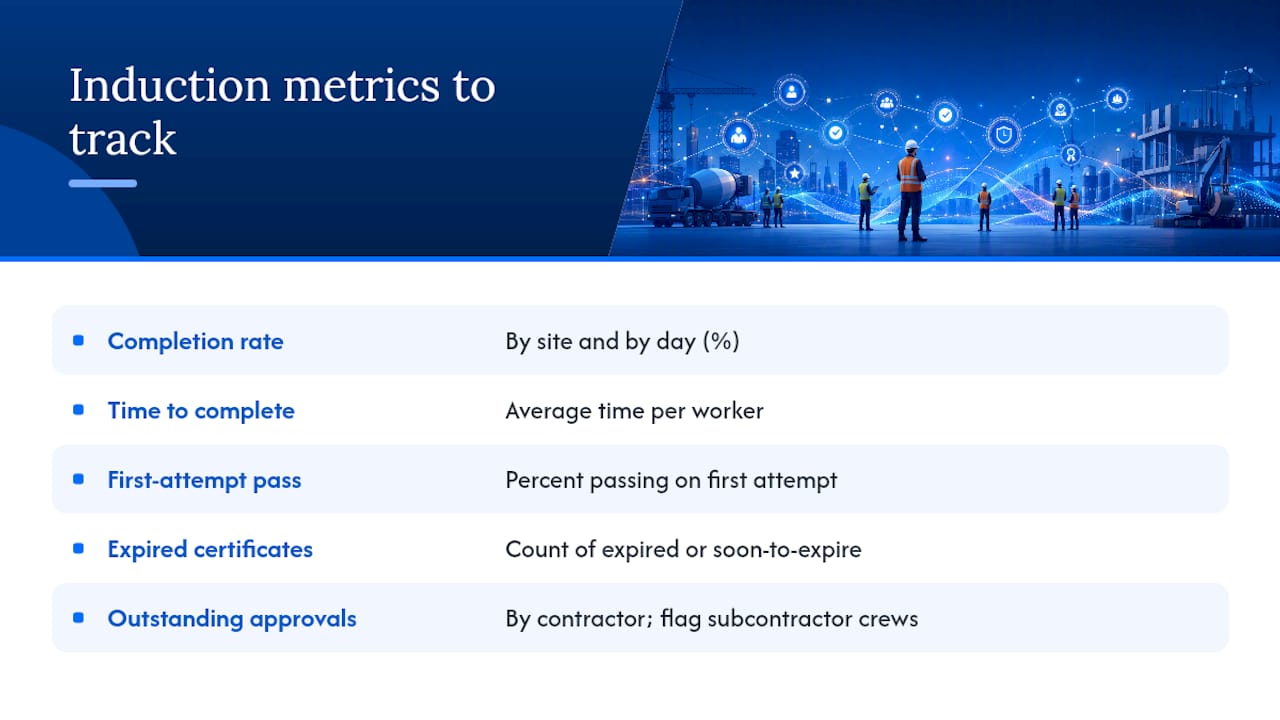
Three reports do most of the heavy lifting: a daily mobilisation roll-call showing who’s cleared for site entry, a compliance audit export listing who completed what, when, and their score, and an expiring-certificate list handed to supervisors before it becomes a problem at the gate.
Feed that data into your site diary and client compliance packs, and flag any non-compliant worker before they’re anywhere near the site boundary rather than after.
What should you ask before choosing an induction platform?
Run through these before signing anything:
- Where is data stored, and can you export it easily for audits or a client compliance pack?
- Does delivery work by QR code or web link without forcing every worker to download an app?
- Can the platform capture and store licences, certificates, and White Cards against a worker profile?
- What reporting and audit export options are available, and do they match what your clients ask for?
- Does it support role-based pathways for different worker types, from short-stay visitors to long-term trades?
- Is there a trial or pilot option, and how is pricing structured as your site count grows?
Run a three-week pilot with defined success metrics: completion rate, reduction in average gate wait time, and supervisor satisfaction with the process. It’s also worth checking basic security hygiene against something like the Cyber Essentials framework, since you’re storing worker identity documents in the cloud. Confirm the platform integrates with your rostering, timesheet, and equipment records too, so induction status isn’t sitting in isolation from everything else you manage.
Field note from the site office
Digital records don’t replace walking the site and running toolbox talks. They just clear the admin so you’re not stuck at a desk instead of out checking hazards.
How Dirt Champ handles induction, compliance, and the rest of your paperwork
Dirt Champ was built for truck and civil businesses juggling exactly this kind of admin load, and induction fits naturally alongside the rest of what it tracks. Worker profiles store licence and White Card details once, so you’re not re-verifying identity on every project. Induction modules are configurable per site, delivered by QR code or link, and every completion generates a timestamped record you can export for a client or a WorkSafe audit.
Because induction data sits inside the same platform as rostering, timesheets, pre-starts, and vehicle records, you get one place to check who’s compliant, who’s rostered, and who’s overdue for a licence renewal, rather than three disconnected systems that never quite agree with each other. If you’re running crews across multiple sites, that single view is what actually saves admin time, not just the induction step on its own.
If your current process still means printing sign-in sheets or chasing licence copies by email, it’s worth seeing how this works on your own sites. Book a demo of Dirt Champ or start a short pilot with defined success metrics, completion rate, gate wait time, and supervisor feedback, and judge it against what you’re doing now.
Frequently asked questions
Is a digital site induction legally acceptable instead of a face-to-face briefing? Regulators generally accept digital delivery of induction content as long as the site-specific hazards, White Card requirements, and emergency procedures are properly covered and workers demonstrate understanding through a knowledge check. On-site verification and toolbox talks for high-risk tasks are still expected on top of that.
Do workers need to download an app to complete an online site induction? No. Most platforms deliver content by QR code or web link, so a worker opens it in a mobile browser without installing anything. That’s one of the bigger friction points a best construction induction app removes compared with older systems.
How long should a digital induction module take to complete? It depends on the role. A short-stay visitor pathway might take five minutes, while a full contractor pathway covering multiple hazard modules and a knowledge check can run 20 to 30 minutes. Role-based pathways keep this proportionate rather than forcing everyone through the same length of content.
What happens if a worker’s licence expires after they’ve been inducted? Good induction software tracks certificate and licence expiry dates against each worker profile and sends automated reminders before they lapse, flagging anyone due for renewal so you can act before they’re due back on site.
Can digital site induction records be used as audit evidence? Yes. Timestamped completions, pass/fail results, and exportable attendance logs are exactly the kind of evidence a client compliance pack or WorkSafe audit asks for, provided the underlying content actually meets the checklist items regulators expect.
Sources
- Sample checklist for site induction | WorkSafe Victoria
- Sample checklist for site induction (PDF) | WorkSafe Victoria
- Cyber Essentials | NCSC